
Schools & universities
Give students their own radio station
Help students learn broadcasting, share campus news and produce their own shows. Broadcast live and publish podcasts for students, families and alumni.
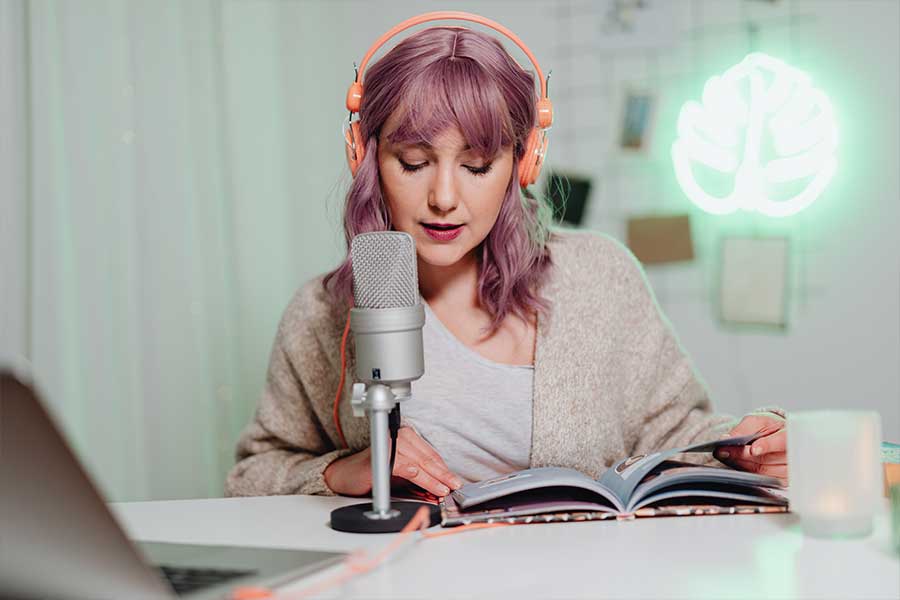

Set up your first student radio show
Upload recorded interviews and music, create accounts for student presenters and schedule your first show. Share the player on your school or university website.
- Upload student interviews, recorded shows and music to Media Files.
- Create DJ accounts for presenters and schedule music between student shows.
- Broadcast live from your classroom and share the player on your school website.

Teach students how to produce radio shows
Let students research topics, write scripts, record interviews and present live. Give each presenter a DJ account while your station team manages the schedule.

Share campus news and events
Schedule bulletins for student events, deadlines and campus announcements. Update recordings when details change and publish show times on your website.

Let families and alumni listen online
Add a player to your school website or share a public listening page. Families, alumni and local listeners can tune in from their browser.

Publish student projects as podcasts
Upload student interviews, discussions and projects as podcast episodes. Listeners can choose a topic and hear it at any time.
Tools for your radio station
Plan the schedule, present live and give your audience a place to listen with Radiolize Broadcaster.
Automate
Schedule playlists and recorded shows to keep your station on air.
Broadcast
Present live from your browser or compatible broadcasting software.
Manage
Manage your music, DJ accounts and listener reports in one place.
Engage
Share your station and podcasts through players, public pages and listening links.
Questions before you start
What equipment does a student station need?
A computer, microphone, headphones and a reliable internet connection are enough for a basic browser broadcast. Your team will also need prepared audio files for scheduled shows.
Can students present without using the main account?
Yes. Create separate DJ accounts for presenters and set schedule restrictions where appropriate. Keep station administration with the staff or students responsible for managing the service.
Can the station run outside teaching hours?
Yes. AutoDJ can play scheduled music and recorded shows while nobody is presenting live. Build a manageable timetable for evenings, weekends and breaks.
How can parents and students listen?
Share your public player page or embed a player on the school website. Listeners can open it in a browser; your podcast page gives them a separate way to choose recorded episodes.
Start your student radio station
Explore the broadcasting tools and setup guides for your school or university.
Explore products